Project Overview

Increasing Directory Security
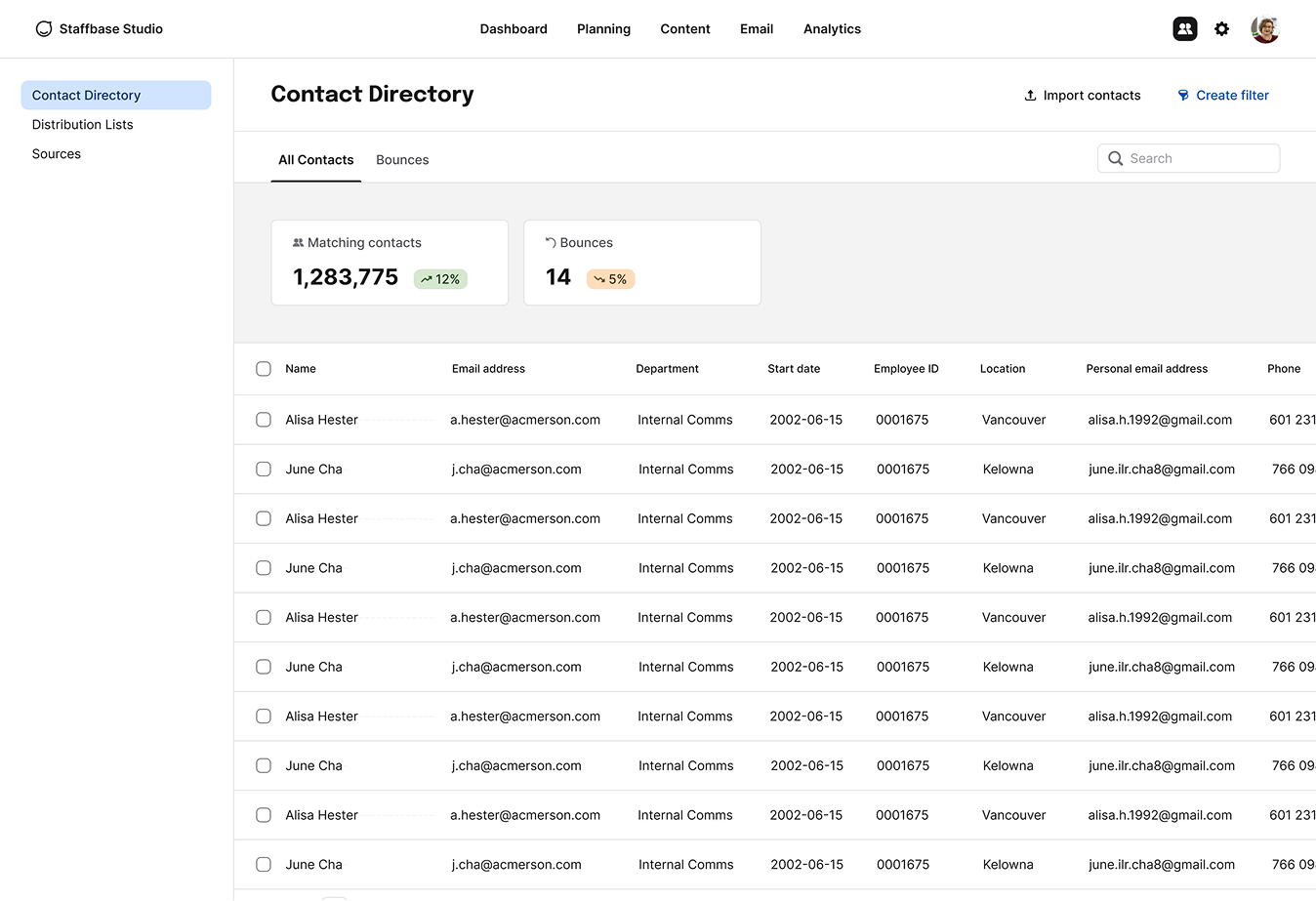
Directory access controls interface
COMPANY
Bananatag (Staffbase Email)
TEAM
1 designer, 1 PM, 4 engs
TIMELINE
2020

After adding better list creation capabilities, we focused on building controls to limit data access.

Problem

  • For admins, there wasn't granularity for controlling who could have only basic access to the Contact Directory, versus who could view all data and send to contacts.
  • For Bananatag, this gap prevented enterprise contracts from closing.

Goal

Allow companies to decide which users would be able to access and use employee information.

My Role

I completed discovery research to identify key personas and their different list usage needs. This allowed us to breakdown access in proper defaults, and map out configuration, usage workflows and edge cases.

What Shipped

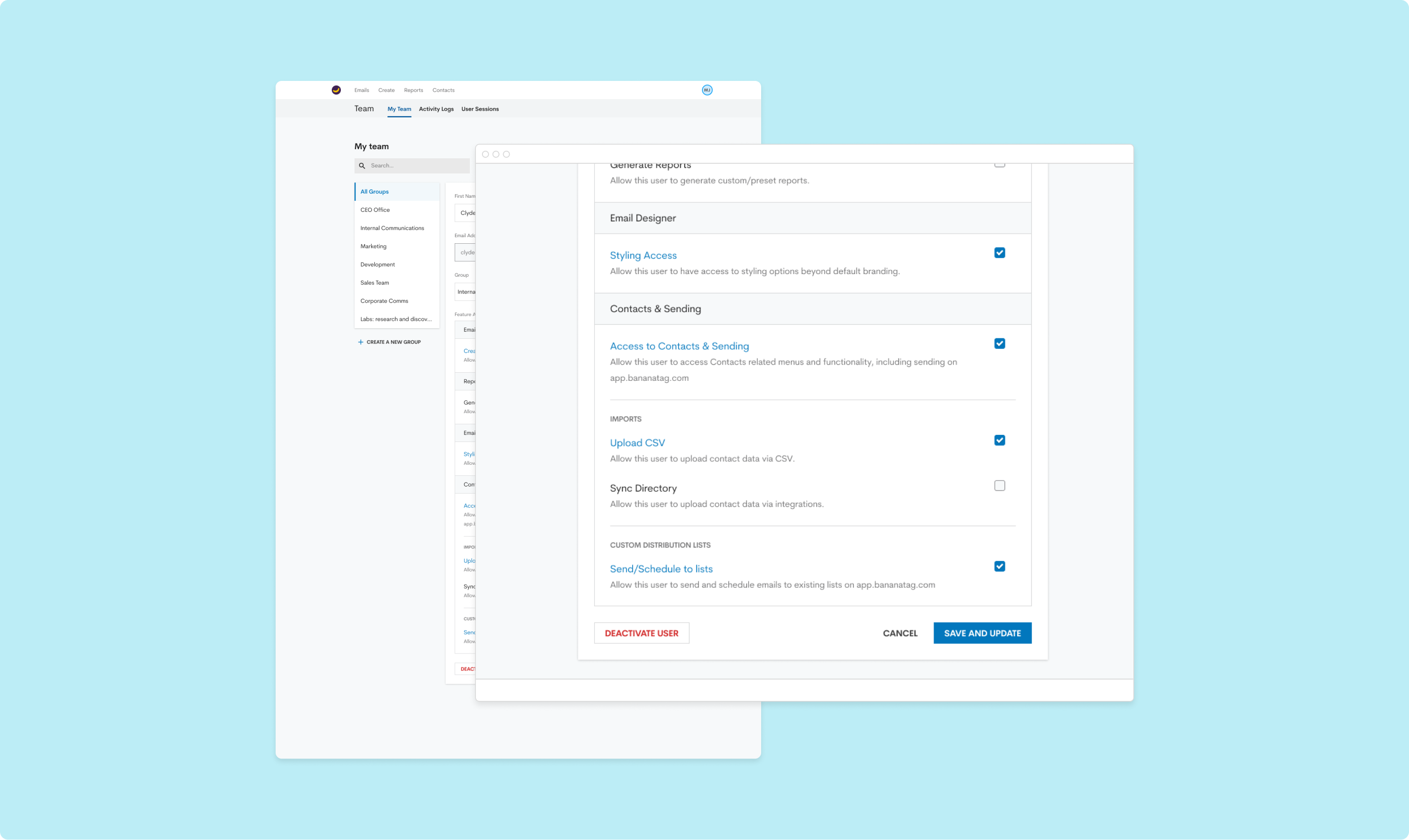
Research and feedback helped us pivot from full customization to smart system defaults. We added controls to access, send, upload and sync contacts.

Results

  • Immediate positive impact on 37 accounts that request this feature, helping maintain more than 280K in recurring revenue.
  • Contributed to a 49% increase in the number of enterprise contracts closed over 1 year.
  • Helped increase in 330% the number of accounts sending through the web app, in the 1st year after this feature release.

Favorite Learning

The importance of a flexible user management system, and key considerations when evaluating group, role and user settings.
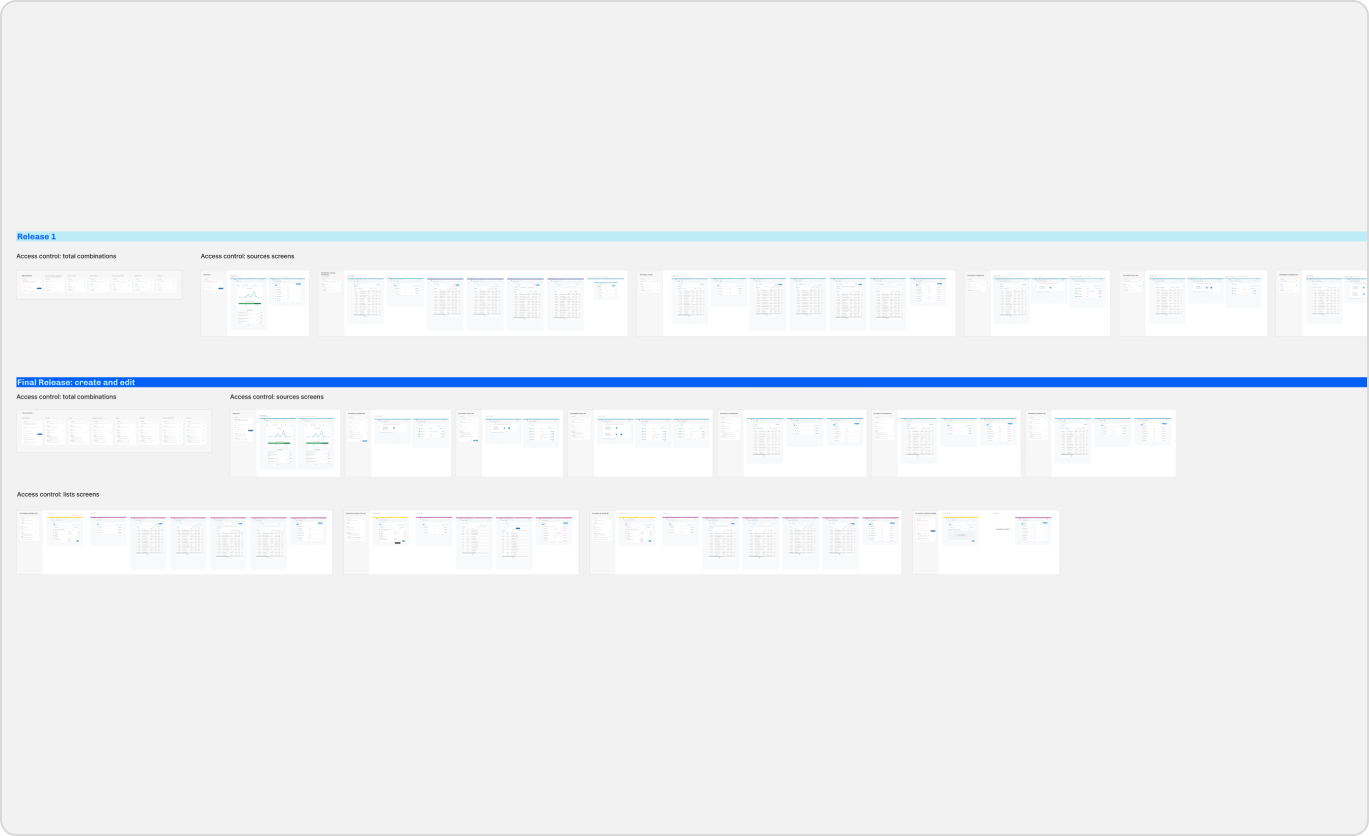
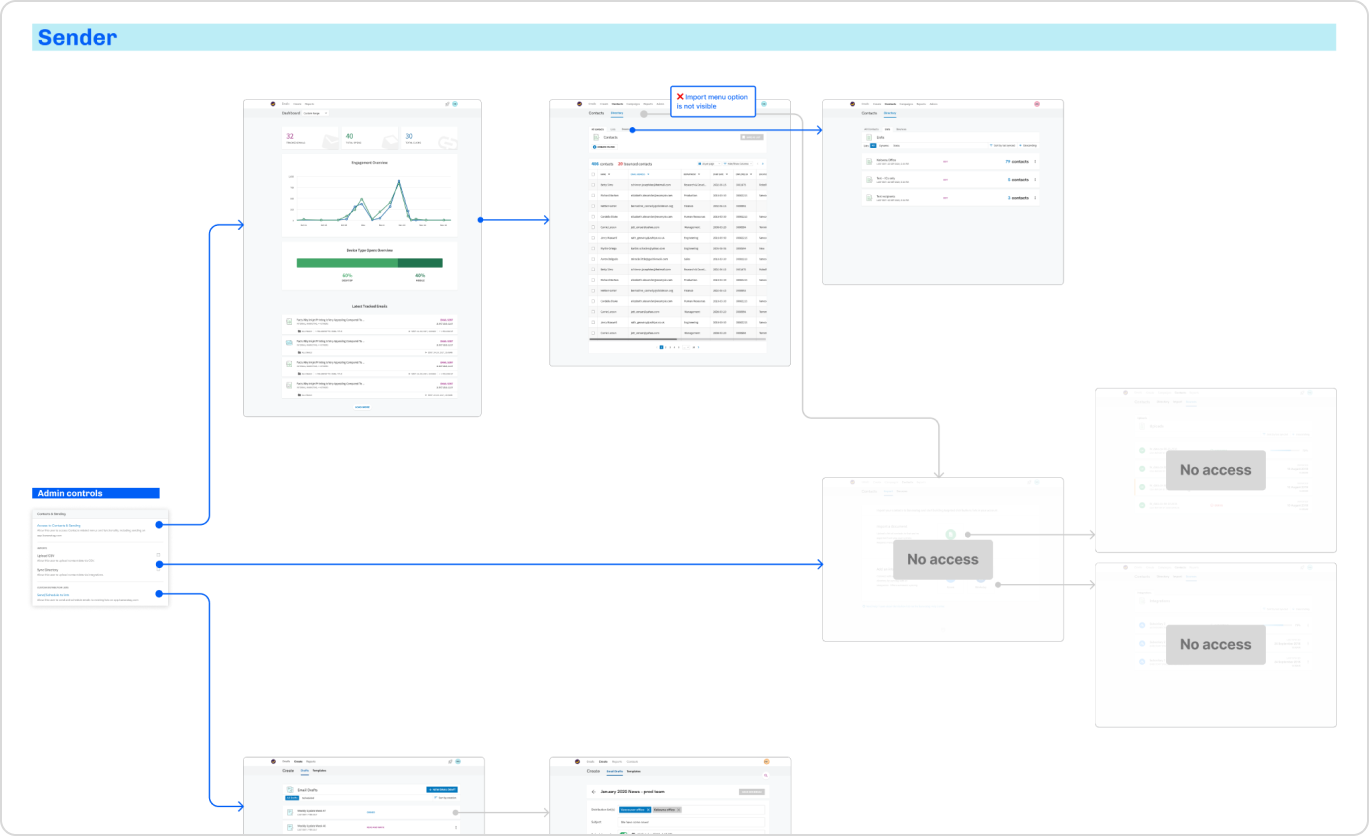
Permission permutations and affected screens.
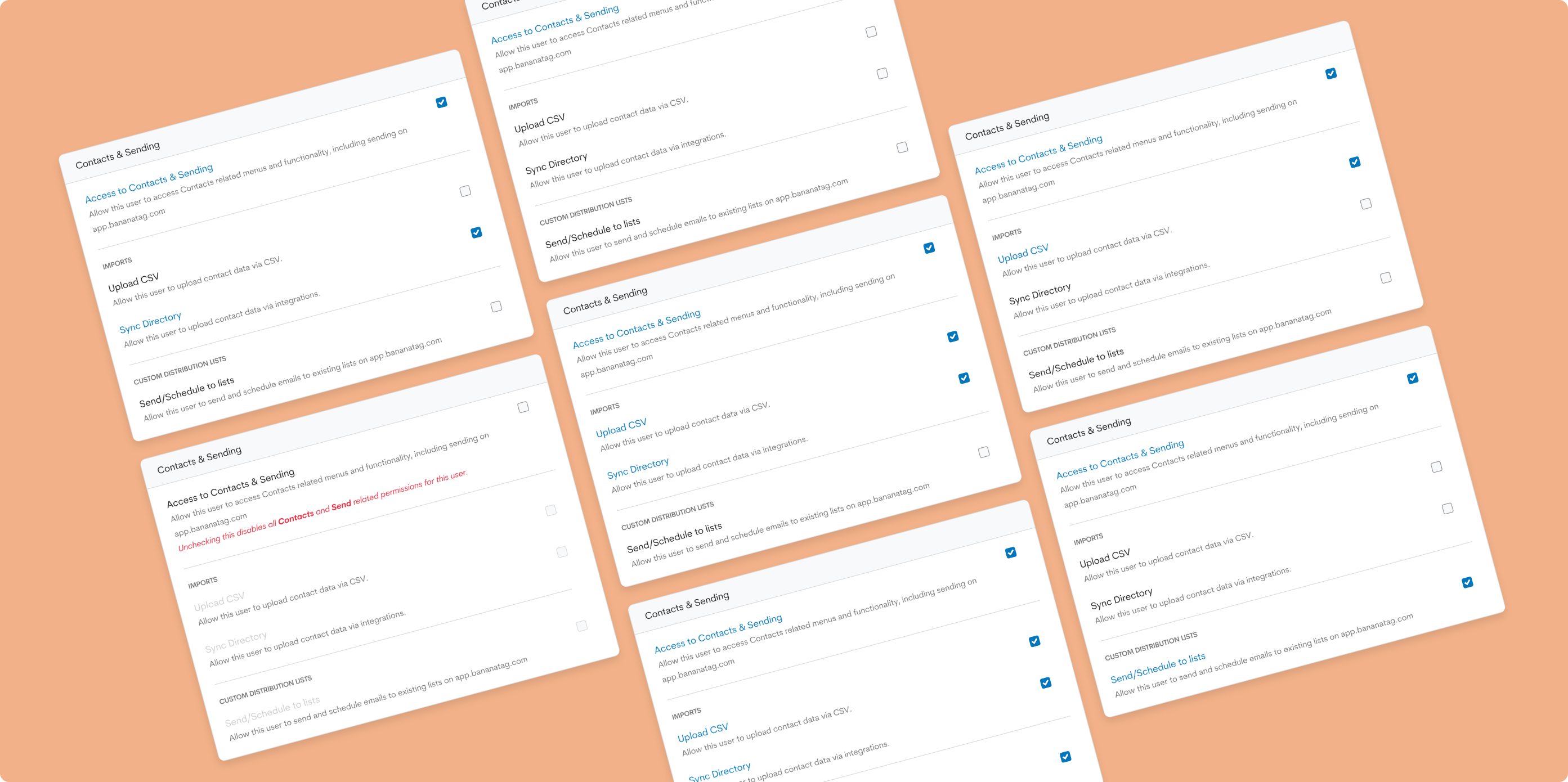
Permission based access by persona.
Permission combinations for different user types.
User permissions in the Teams area.

Need more details?

Email me for a full case study walkthrough: